Mon - Fri: 9:00 AM - 6:00 PM

Mon - Fri: 9:00 AM - 6:00 PM

We build smarter digital solutions that simplify operations, connect systems, improve customer experiences, and help your business grow with confidence.
Business Websites
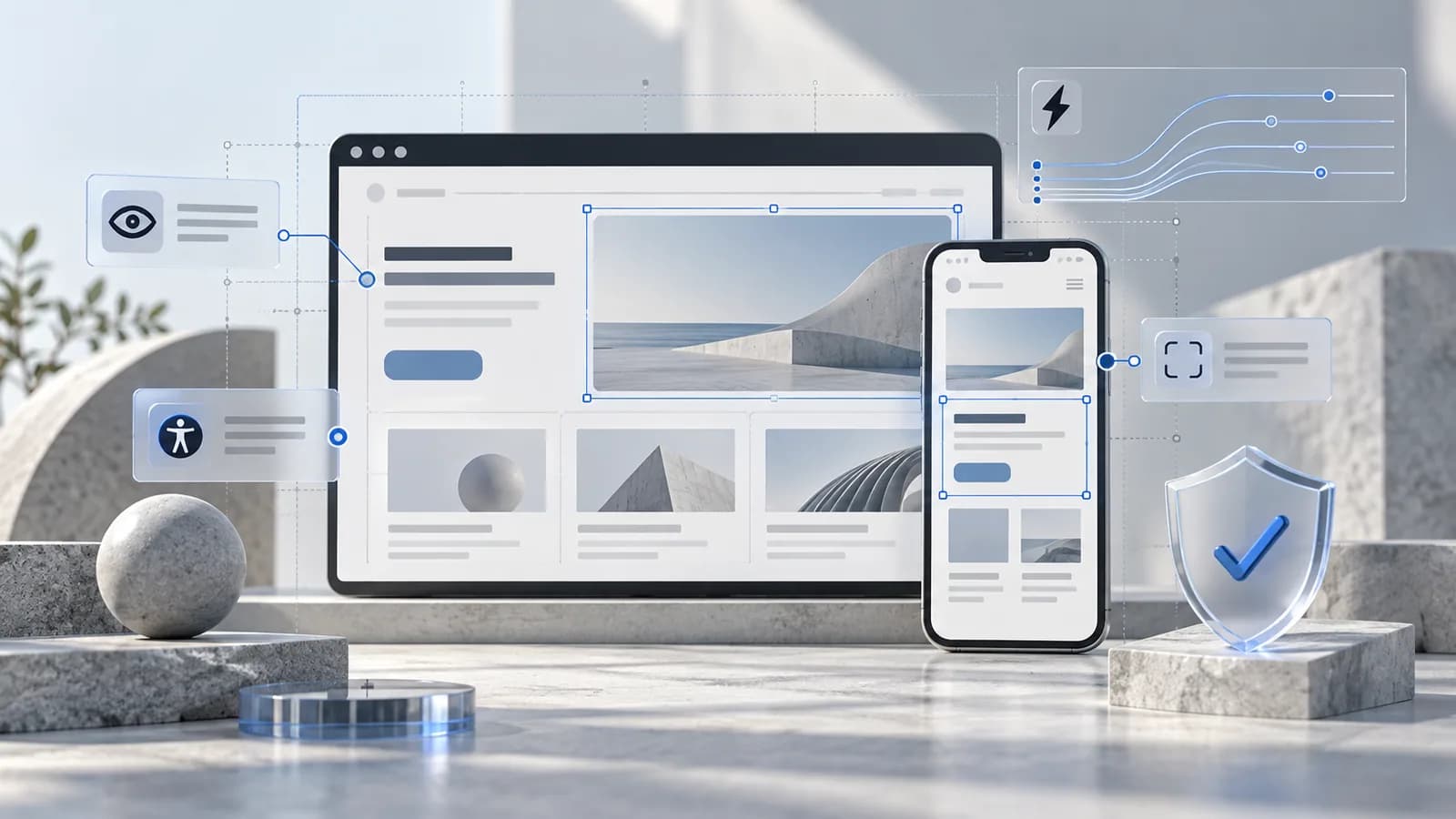
A website accessibility audit goes beyond automated scans to see how people navigate, read, and finish tasks on your website.
Our Approach
We pick key pages and tasks, so we focus on what visitors need to do.
We use automated checks alongside manual keyboard and screen reader testing.
We explain each issue, how serious it is, and what to fix first.
Where It Fits

Check learning and sign-up journeys for different access needs.
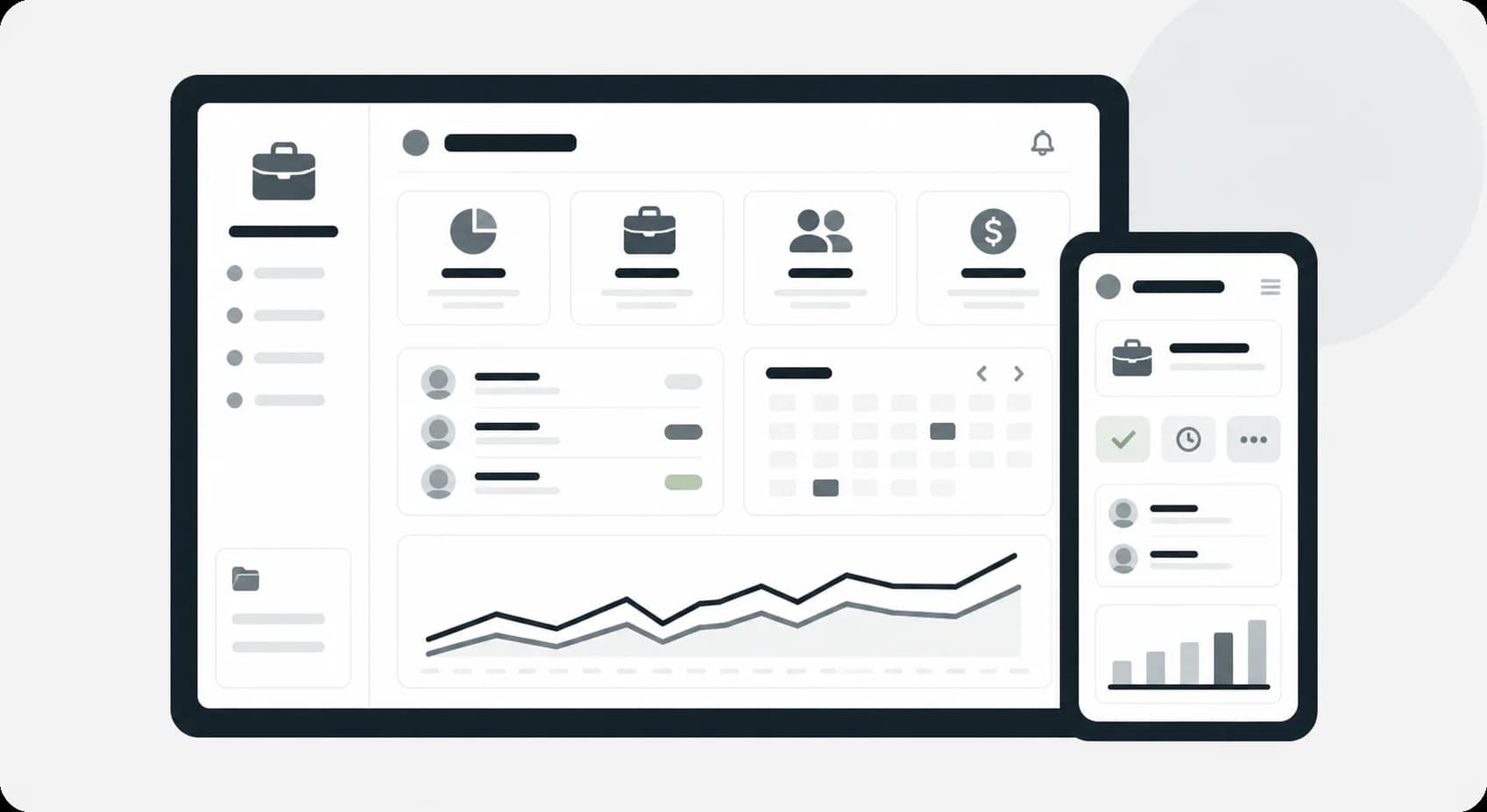
Test essential information and form journeys for barriers.
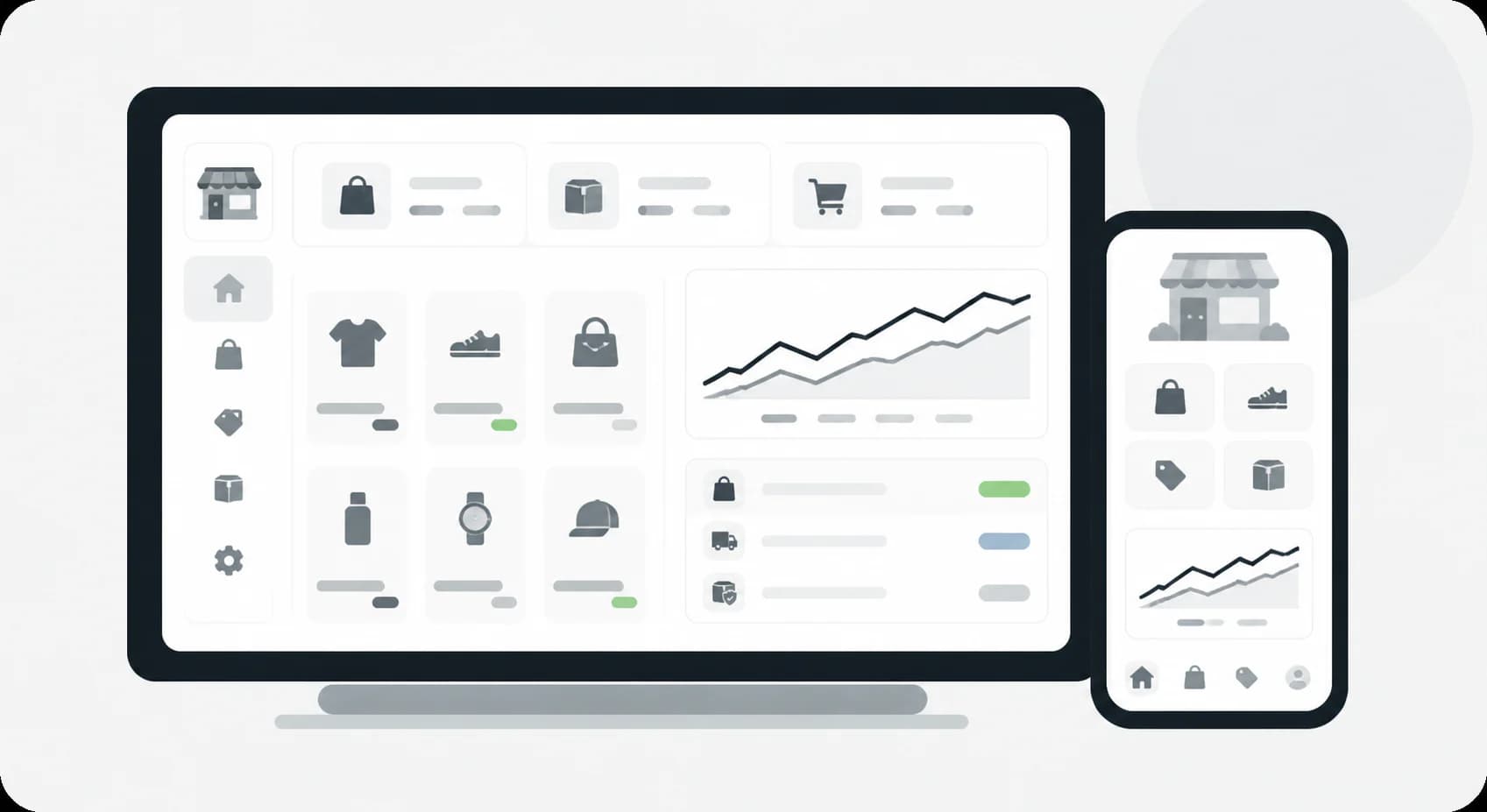
Check product search, filters, and checkout for keyboard and screen reader users.
What We Help With
Keyboard access, visible focus, and a logical path through each page.
Headings, labels, alt text, and wording that support understanding.
Instructions, errors, and status messages that help people finish tasks.
Technology

Use recognized accessibility guidance to organize findings.

Review document structure and control meaning.

Check focus order and operation without a pointer.

Evaluate representative journeys beyond automated scans.
Explore More
Frequently Asked Questions
No. Automated tools are a good start, but they catch only part of the problems. They can't tell if alt text makes sense, if a form is easy to finish with a keyboard, or if a screen reader user can follow the page. A manual review fills those gap
No. An accessibility audit shows where your website meets or misses WCAG guidance and what to fix. It isn't a legal certification or legal advice. If you need to understand legal requirements for your country or industry, check with a qualified legal professional.
Start a Conversation
Tell us which journeys matter most, and we'll suggest where to begin.