Mon - Fri: 9:00 AM - 6:00 PM

Mon - Fri: 9:00 AM - 6:00 PM

We build smarter digital solutions that simplify operations, connect systems, improve customer experiences, and help your business grow with confidence.
Business Websites
A CMS migration is more than copying pages. Our CMS migration services help you plan your content structure, URLs, search visibility, and the experience of the people who will manage the website after launch.
Our Approach
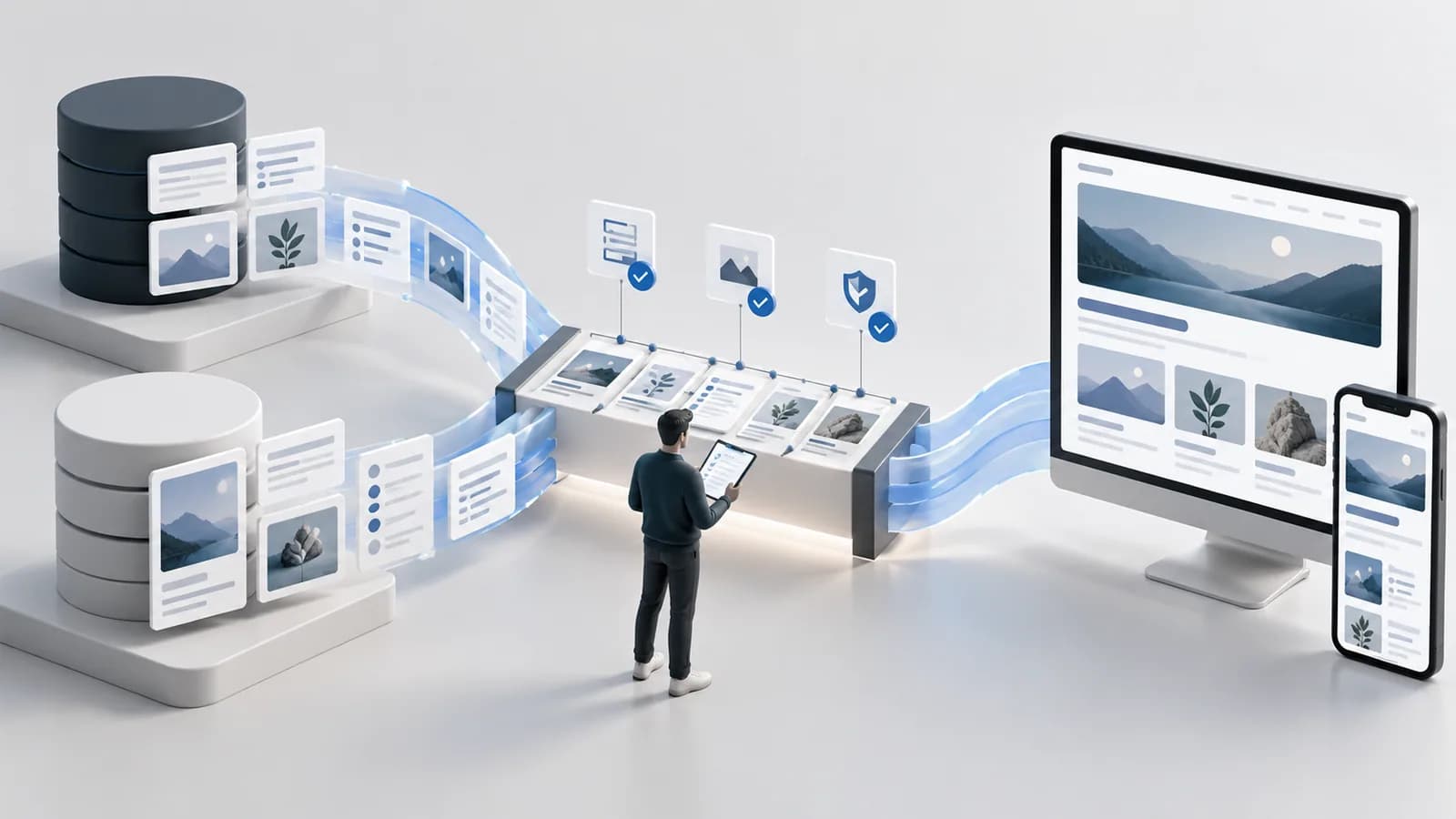
We list pages, files, URLs, and editing steps before moving anything.
We plan the new content structure and URLs, then test the migration before launch.
We check content, links, redirects, and the publishing workflow before going live
Where It Fits

Move articles, categories, and media while protecting search visibility and editorial structure.

Restructure service pages and articles without losing important URLs or search visibility.

Bring program, resource, and campaign content into a clearer structure that is easier to manage.
What We Help With
A clear match between your existing pages and where they belong in the new CMS.
Redirects and link planning that help visitors and search engines find the right pages after migration.
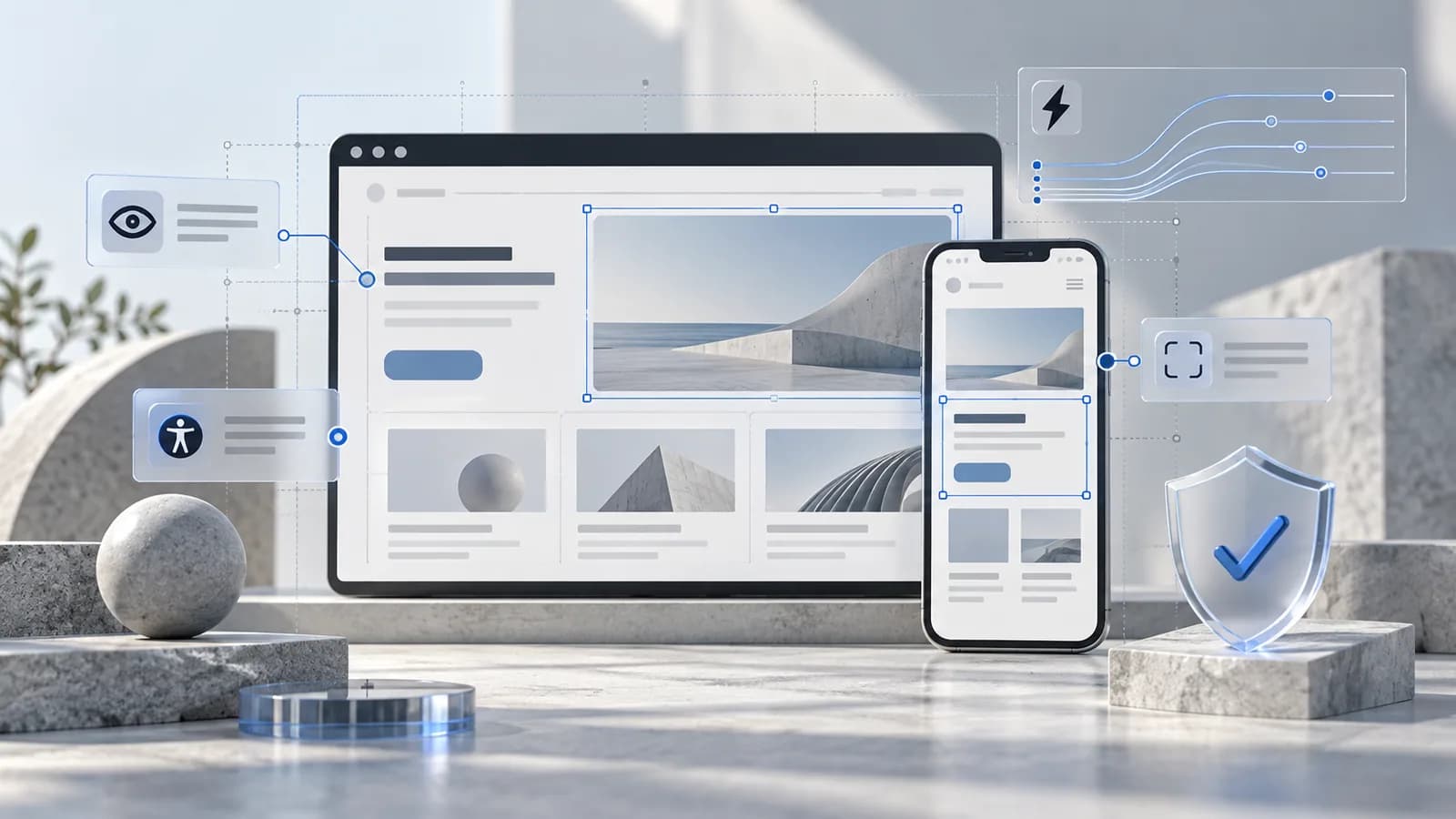
Check for missing media, broken formatting, incomplete metadata, and other issues before launch.
Technology

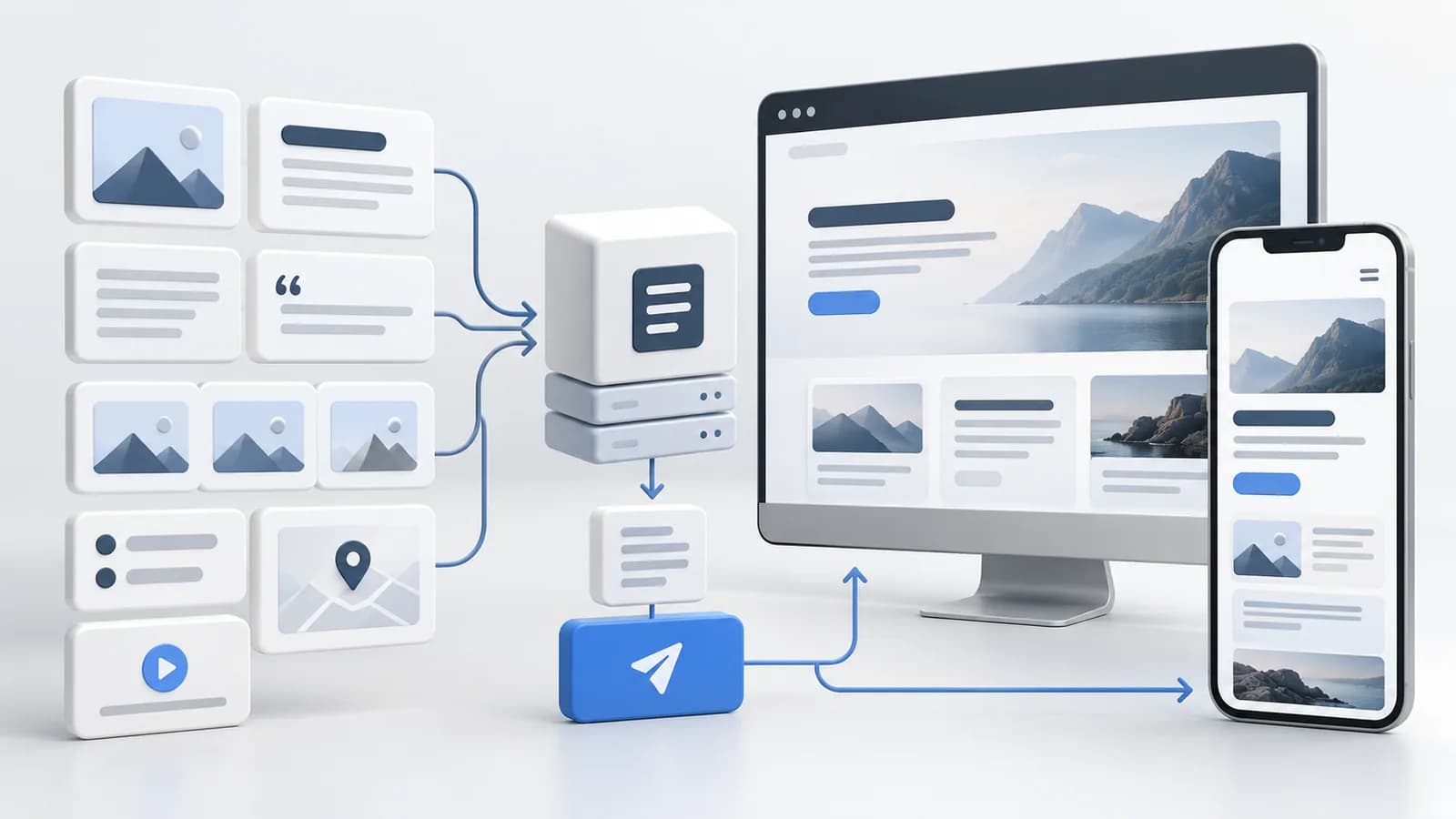
Map existing content fields and relationships into the new CMS structure.

Move repeatable content with scripts, not slow manual copying.

Send old URLs to their new pages so visitors and search engines can still find the right content.

Compare old and new content page by page.
Explore More
Frequently Asked Questions
Not always. Many URLs can stay the same, but some may change if the new CMS uses a different structure. When they do, we set up 301 redirects so visitors and search engines can still reach the right page and your search visibility is better protected.
Yes, and it's the best time to do it. During the audit, we flag outdated pages, duplicates, and broken links. You can decide what to keep, merge, update, or remove, so you only move content that still supports your business.
Start a Conversation
Tell us about your current CMS, content, and team, and we'll help you plan a safer way to move.