Mon - Fri: 9:00 AM - 6:00 PM

Mon - Fri: 9:00 AM - 6:00 PM

We build smarter digital solutions that simplify operations, connect systems, improve customer experiences, and help your business grow with confidence.
Business Websites
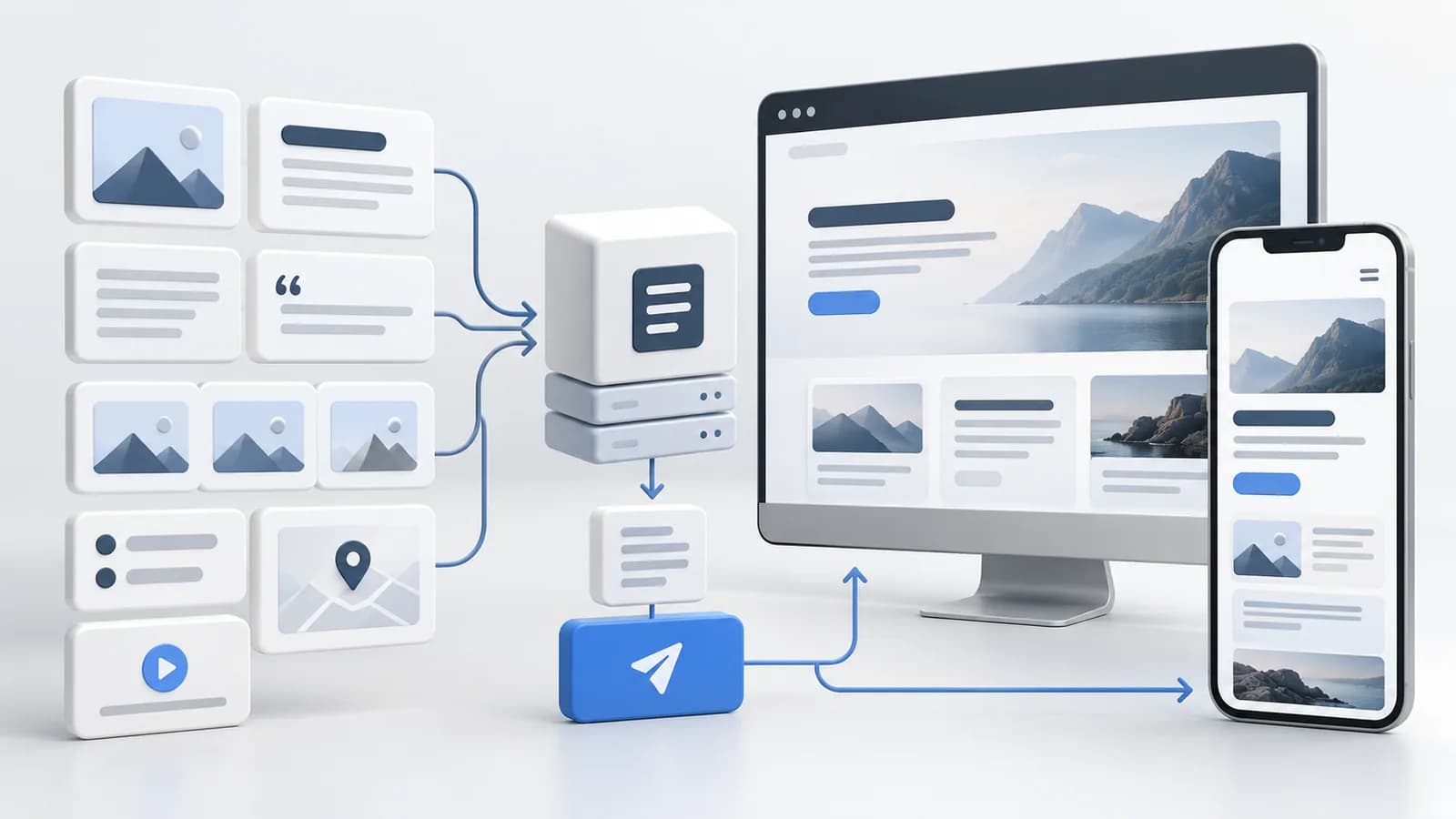
Our headless WordPress development services help you keep the editor your team knows while moving what visitors see to a separate, custom frontend built around your exact needs.
Our Approach
We compare editorial needs, integrations, complexity, and ongoing upkeep before recommending a headless setup.
We define fields and relationships editors can use consistently across pages.
We connect the frontend to WordPress, then test publishing and previews end to end.
Where It Fits

Keep familiar editorial workflows while improving the reader experience.
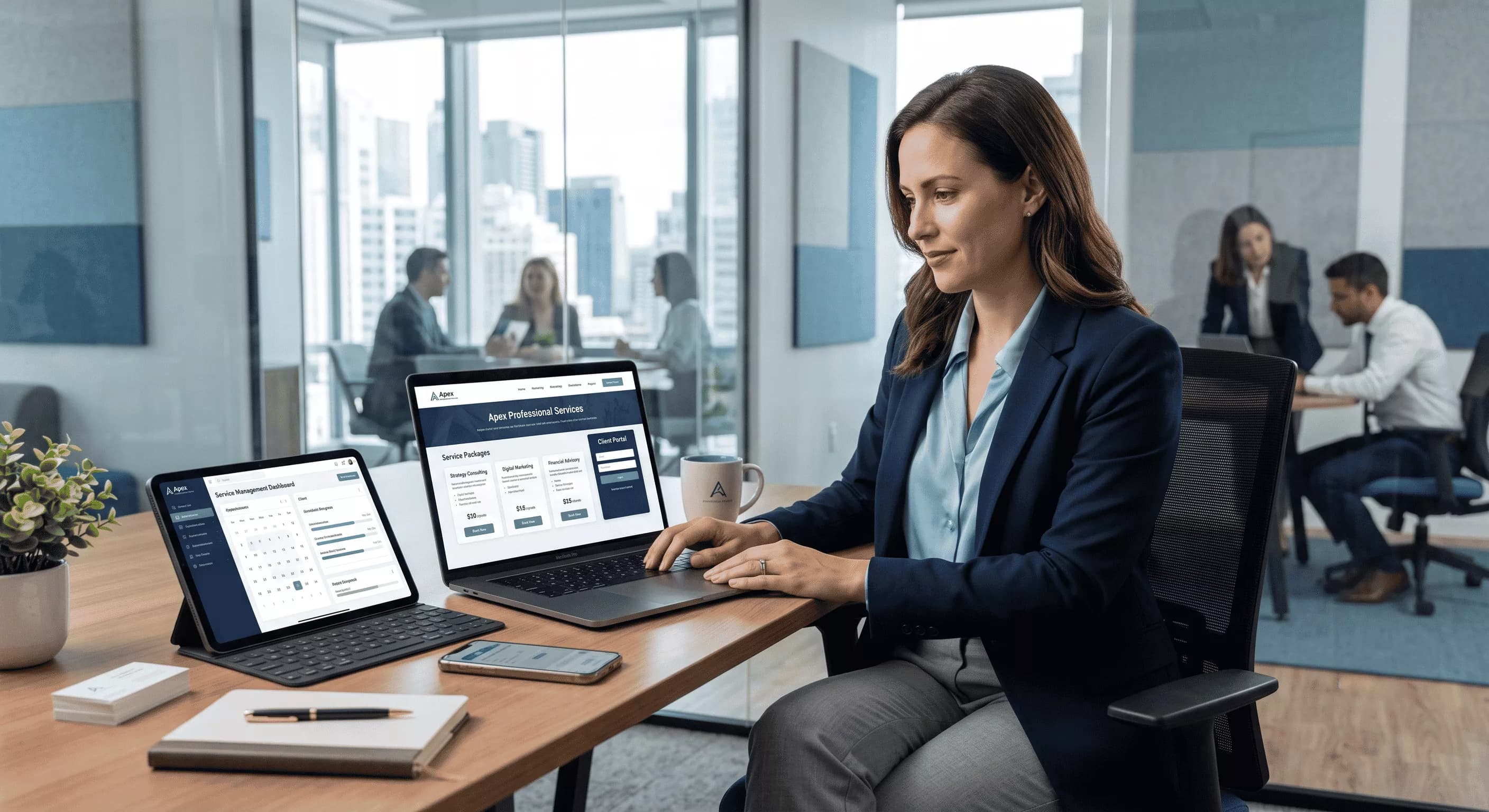
Publish expertise and insights without waiting for frontend releases.

Share campaigns and resources through one consistent content structure.
What We Help With
Fields and editorial patterns built for reuse, beyond single page templates.
A separate interface that shows WordPress content in the right place.
Preview and review steps so editors know exactly what appears before going live.
Technology

Editing, administration, and content ownership.

Share approved content with a separate presentation layer.
Component-based presentation where a separate frontend makes sense.

Check unpublished content before it reaches the live site.
Explore More
Frequently Asked Questions
Yes. That's one of the main reasons teams choose headless WordPress. Editors keep the same dashboard, posts, and pages they already know. The difference is behind the scenes, where the content is sent to a separate frontend. Previews need proper setup, so editors can check changes before publishing. Theme-based page builders won't carry over, though.
No. A traditional WordPress site is often simpler, cheaper to run, and easier to maintain. Headless makes sense when you need a custom frontend, multiple channels like apps or kiosks, or stricter control over performance. If a standard theme meets your goals, we'll tell you to skip headless.
Start a Conversation
Tell us how your team publishes, and we'll say honestly if it fits.