Mon - Fri: 9:00 AM - 6:00 PM

Mon - Fri: 9:00 AM - 6:00 PM

We build smarter digital solutions that simplify operations, connect systems, improve customer experiences, and help your business grow with confidence.
AI AUTOMATION SOLUTIONS
Stop losing track of potential buyers. We automate your sales software to support timely follow-ups, automatic deal updates, and less repetitive work so your sales team can focus on closing deals.
Our Approach
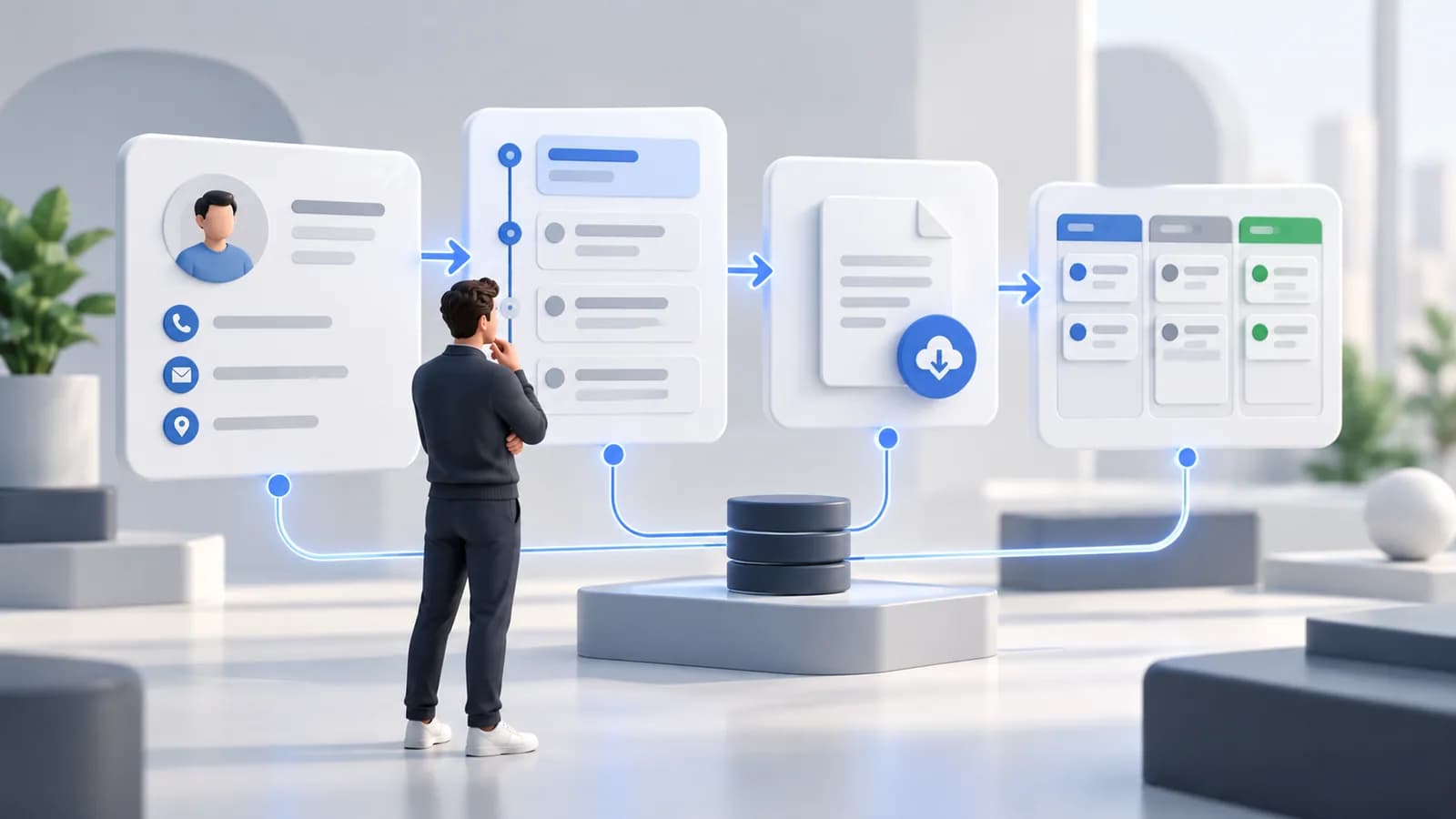
We look at how new leads enter your business, how your team follows up, and where potential deals get stuck.
We build workflows that assign leads, send approved follow-up messages, and update deals when agreed sales-stage conditions are met.
We test agreed lead paths and customer-data mappings, review exceptions, and show your team how to use and monitor the workflows.
Where It Fits
Sending automated text confirmations after estimate requests where messaging permissions and platform support allow.
Updating pipeline stages when proposal and signature events are received from connected tools.

Distributing buyer inquiries to agents using agreed budget, location, and availability rules.

Sending document collection reminders with appropriate access controls and messaging permissions.
Triggering welcome email sequences and invoice links when a new client signs on.

Sending permitted appointment follow-ups and feedback requests while limiting sensitive information in messages.
What We Help With
Configuring trigger-based routing to the appropriate sales representative, with checks for failed events and exceptions. Timing depends on connected services.
Sending approved, personalized text and email check-ins based on prospect status, messaging permissions, and opt-out preferences.
Updating deal statuses when signature, payment, or other agreed events are received.
Reducing repetitive entry by mapping customer details and notes from supported sources into your CRM, with validation and duplicate checks.
Creating automatic reminders so sales representatives can prioritize follow-up calls and tasks.
Consolidating supported email history, call notes, and quote files into an organized customer timeline.
Technology

Configuring supported contact, pipeline, and follow-up workflows within the available plan and integration scope.

Connecting approved contact events to messaging and follow-up sequences.

Configuring supported lead, pipeline, and appointment-related automations.

Configuring supported deal-stage updates, activity reminders, and record synchronization.
Explore More

Frequently Asked Questions
CRM automation uses rules inside your customer management software to handle repetitive sales tasks automatically, such as sending welcome emails, creating follow-up tasks, and updating deal statuses.
We customize approved text and email templates using your brand voice and relevant customer details, such as a first name and inquiry. We test messages with your team and define checks for missing data so communications stay appropriate and helpful.
We review your current CRM, subscription plan, and available integrations before recommending changes. Tools such as HubSpot, ActiveCampaign, GoHighLevel, and Pipedrive can support different automation options. If your setup cannot meet the requirements, we can help compare alternatives and plan a transition.
Start a Conversation