Mon - Fri: 9:00 AM - 6:00 PM

Mon - Fri: 9:00 AM - 6:00 PM

We build smarter digital solutions that simplify operations, connect systems, improve customer experiences, and help your business grow with confidence.
Custom Software
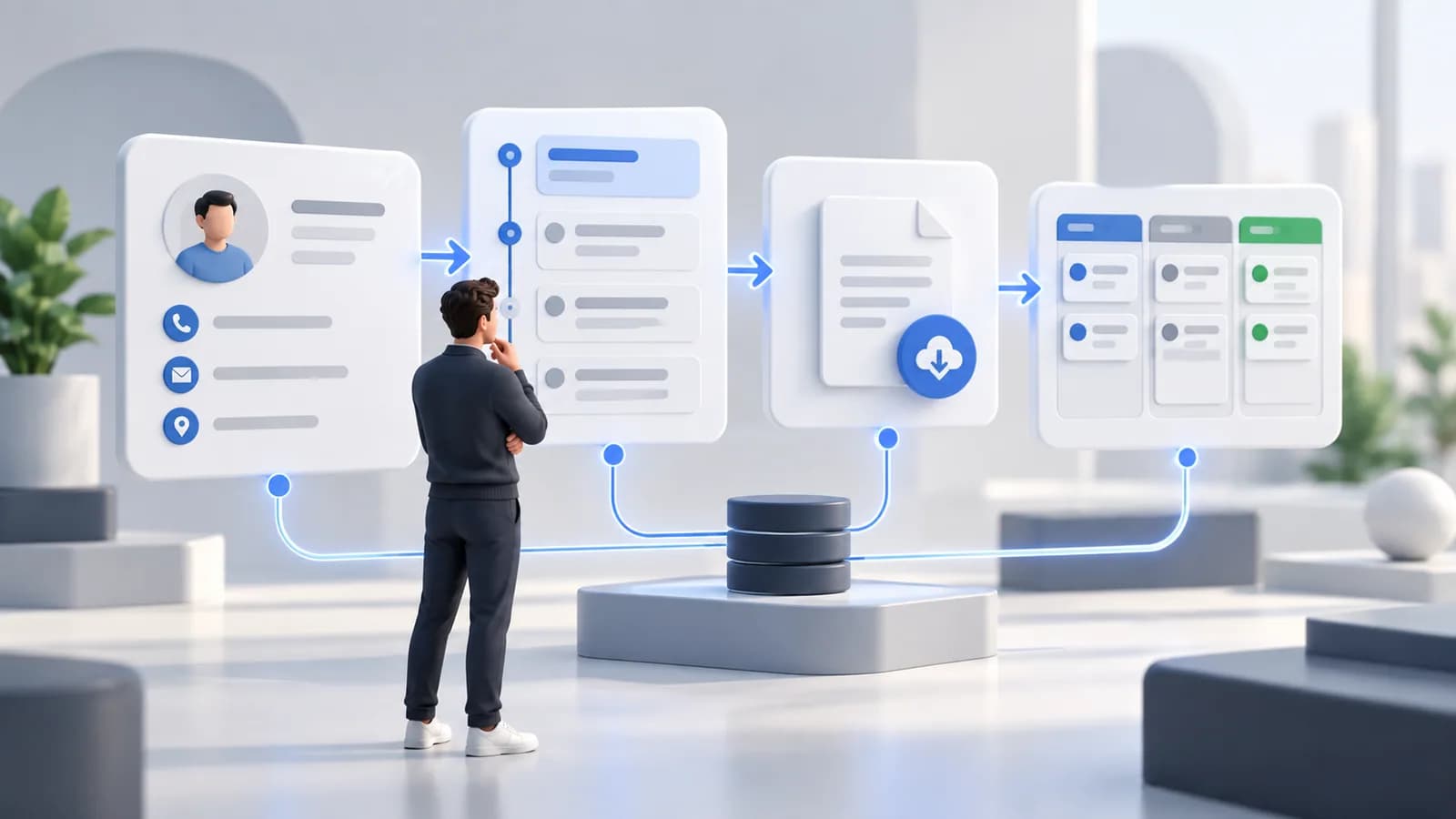
A CRM integration connects your tools and customer data, so your team can work with the right information in one place.
Our Approach
Identify where leads, contacts, accounts, and activity originate and where teams need them.
Agree on field mapping, consent handling, update direction, duplicates, and failures.
Test realistic handoffs and give operations a way to identify records that need attention.
Where It Fits

Connect enquiries and delivery handoffs without duplicating contact data.
Coordinate accounts, opportunities, and follow-up information.
Link customer records with scheduling and service activity.
What We Help With
Move approved enquiries into the right follow-up process.
Align customer details across the systems that use them.
Make ownership and status changes visible without duplicating manual entry.
Technology

Exchange approved customer and pipeline information.

Avoid duplicate records across connected tools.

Update systems when relevant customer events occur.

Trace data changes and failed handoffs.
Explore More

Frequently Asked Questions
That depends on each tool's access, data model, permissions, and available integration options. We assess those first.
The integration needs explicit ownership and conflict rules. We define them with your team rather than letting the newest update win by accident.
Start a Conversation
Share the systems that create or rely on customer records today.