Mon - Fri: 9:00 AM - 6:00 PM

Mon - Fri: 9:00 AM - 6:00 PM

We build smarter digital solutions that simplify operations, connect systems, improve customer experiences, and help your business grow with confidence.
Custom Software
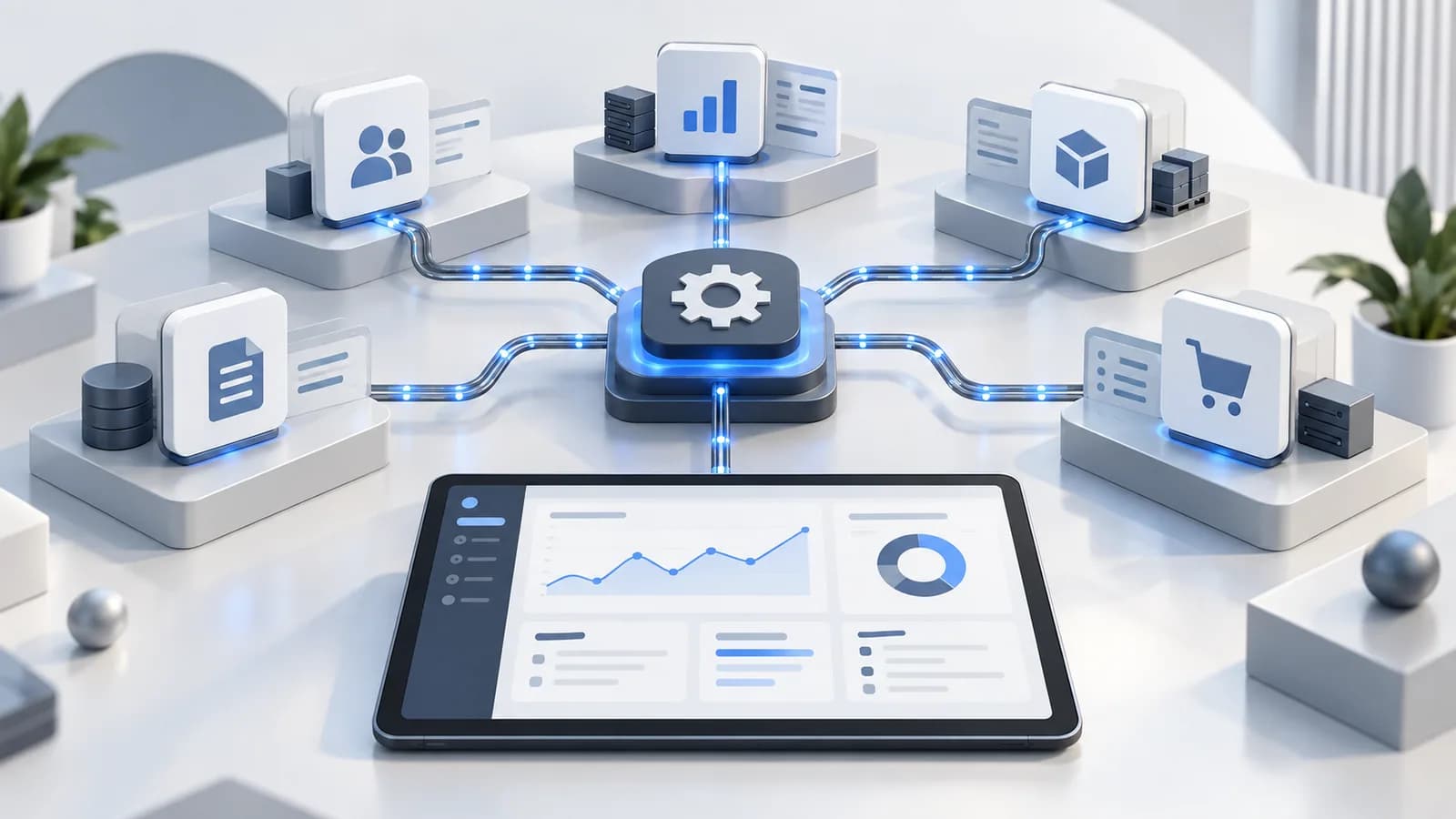
Our ERP integration solutions connect ERP systems with the tools your business already uses, so data moves where it should and teams can work with reliable information.
Our Approach
Identify the systems, data, and steps that should work together before the integration starts.
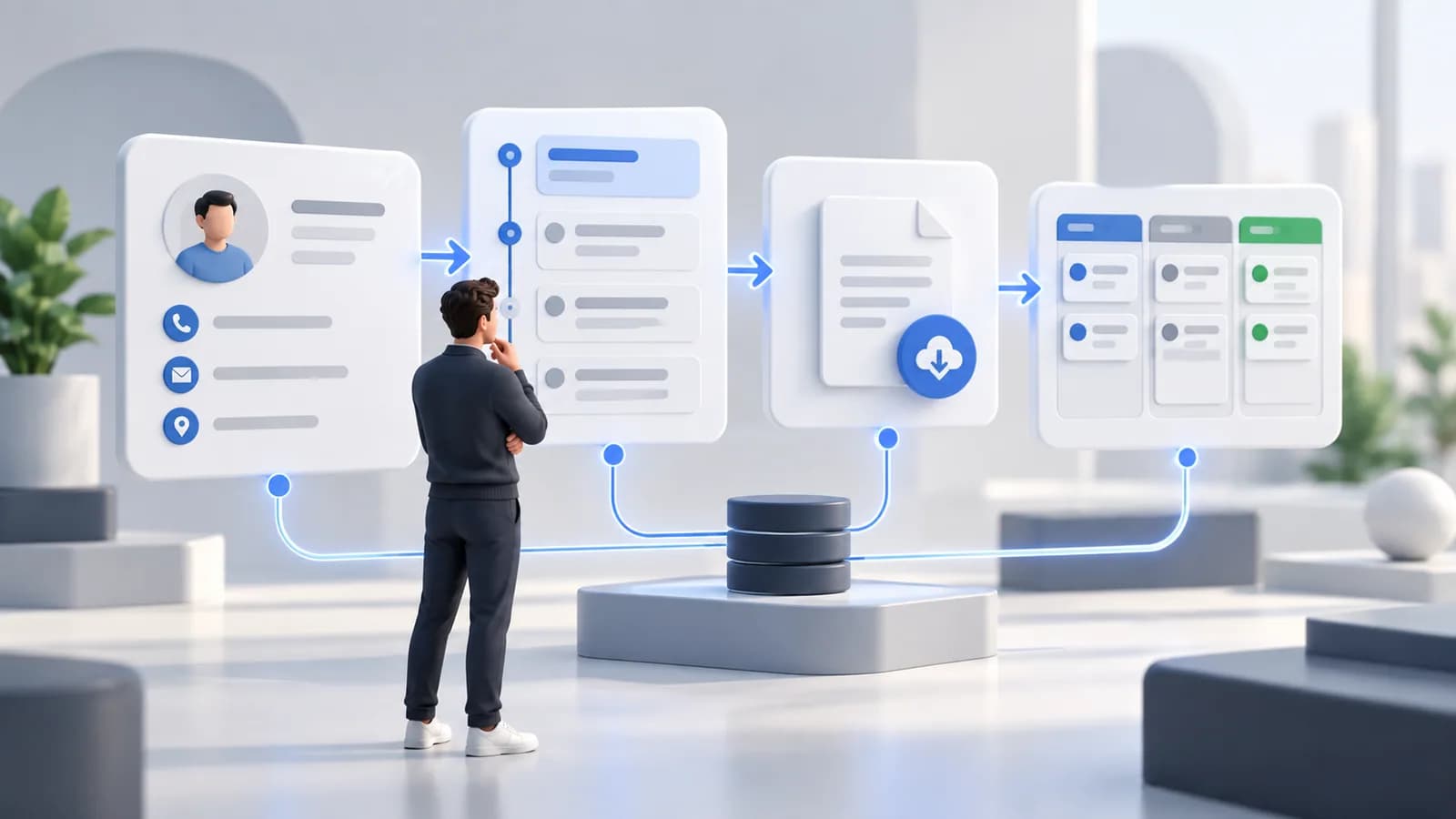
Define how data moves between your ERP, applications, and business systems.
Test records and results to make sure connected systems stay accurate and aligned.
Where It Fits
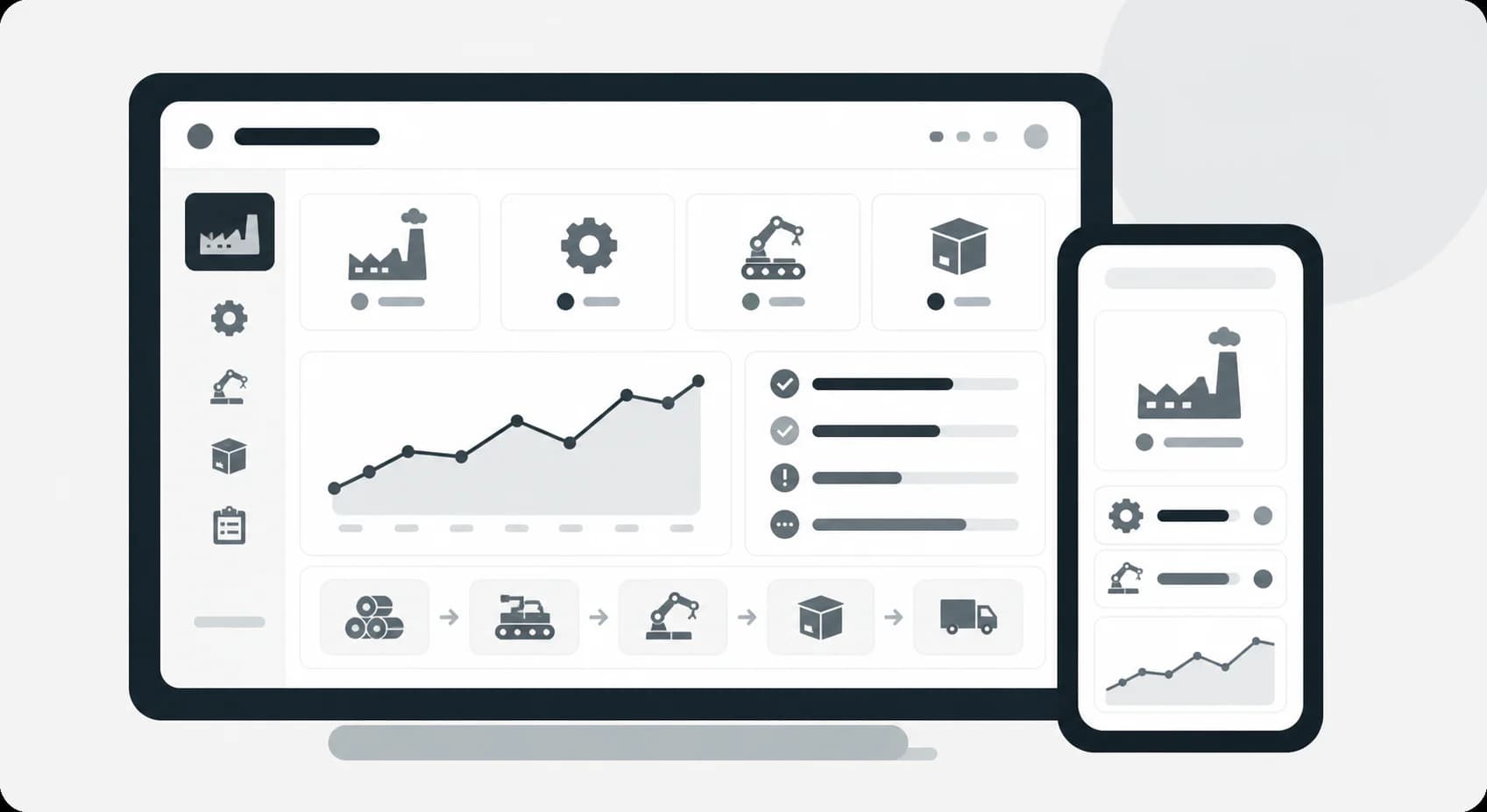
Connect production, purchasing, and operations data for better visibility.
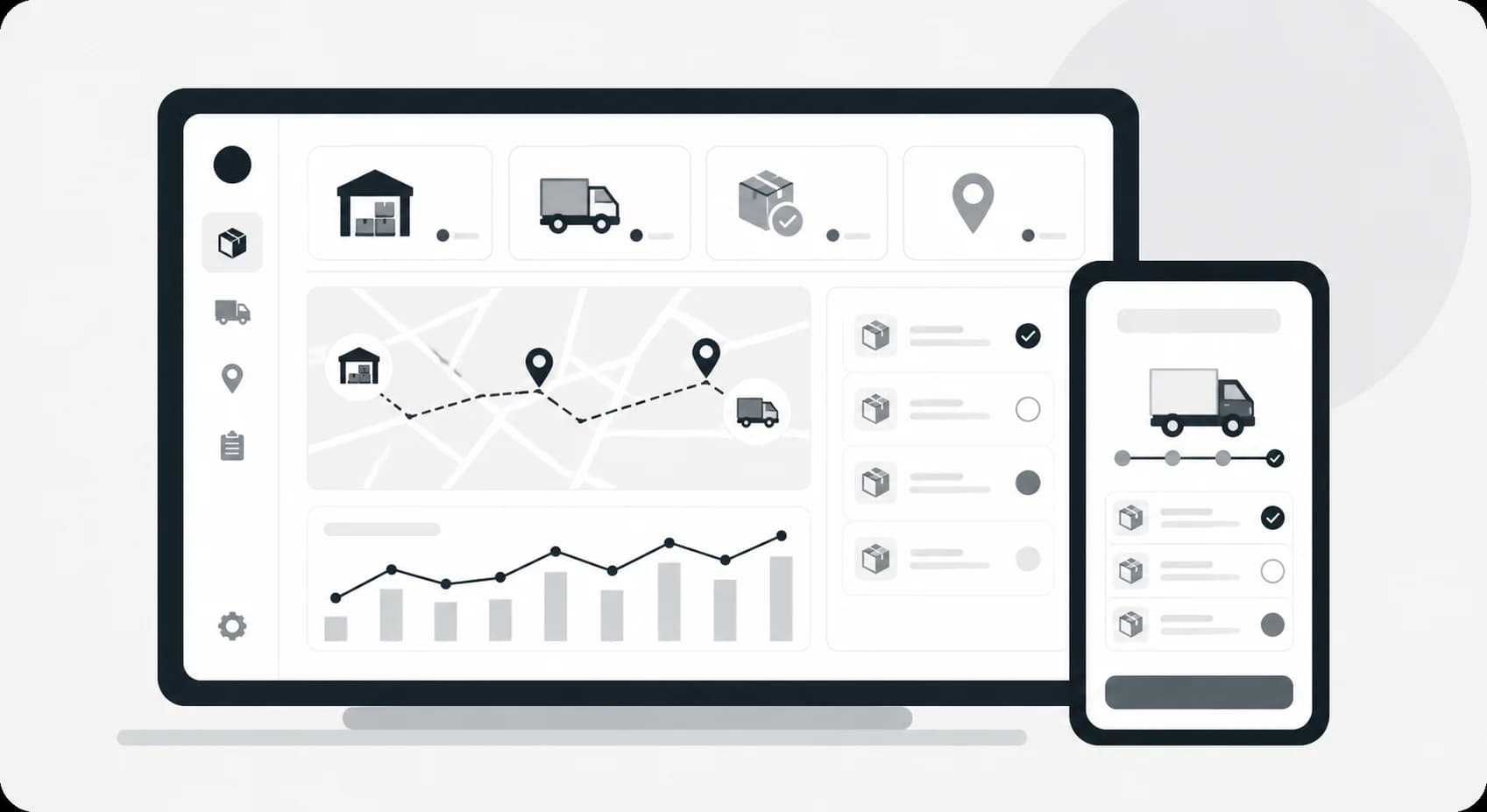
Connect orders, inventory, and fulfillment data across business systems.
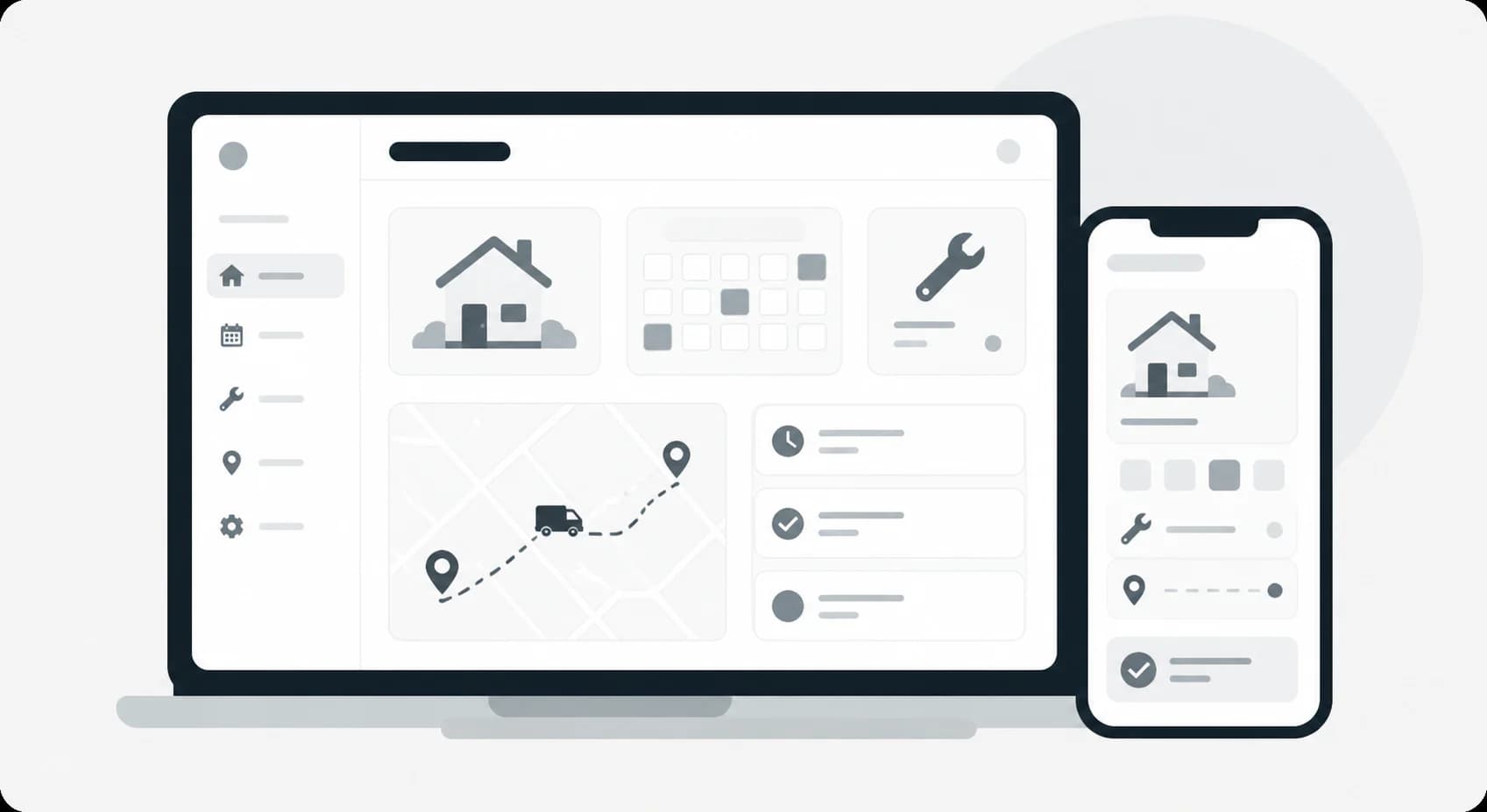
Keep jobs, parts, schedules, and billing information connected.
What We Help With
Clarify ownership of products, customers, suppliers, and other common records.
Define how orders, inventory changes, or financial events move between systems.
Give operations a way to investigate mismatches and failed transfers.
Technology

Exchange approved operational records with connected applications.

Agree which system owns products, customers, and identifiers.

Move changes through defined handoffs and exception paths.

Compare records and investigate mismatches after synchronization.
Explore More
Frequently Asked Questions
Often, but the answer depends on available interfaces, data quality, and whether current workflows have clear ownership.
No. Timing should follow the business event and the ERP's supported integration methods; some exchanges are better handled in controlled batches.
Start a Conversation
Tell us where data gets stuck, where teams repeat work, or where systems need to connect. We’ll help define the right integration approach.