Mon - Fri: 9:00 AM - 6:00 PM
Mon - Fri: 9:00 AM - 6:00 PM
We build smarter digital solutions that simplify operations, connect systems, improve customer experiences, and help your business grow with confidence.
Custom Software
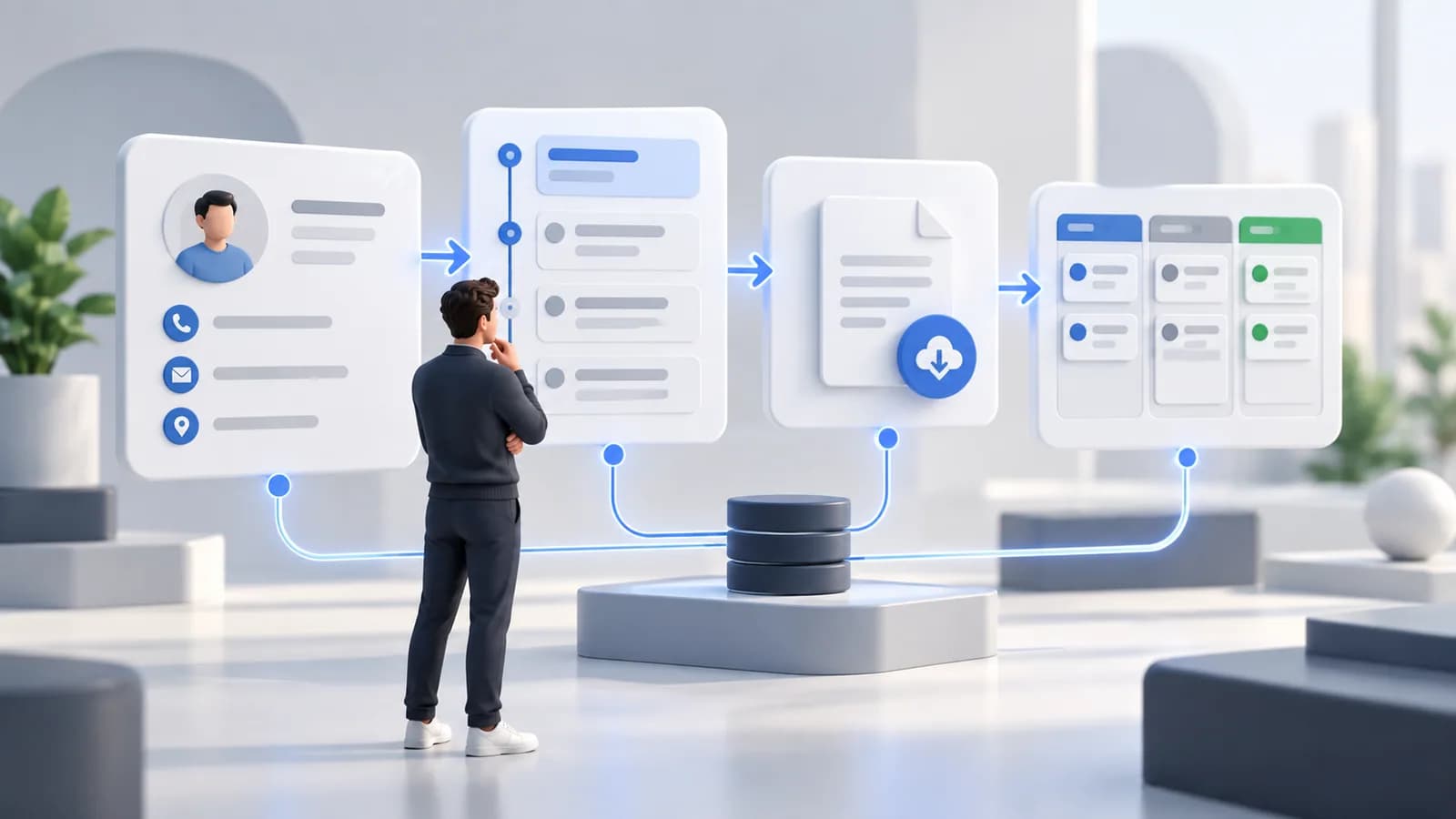
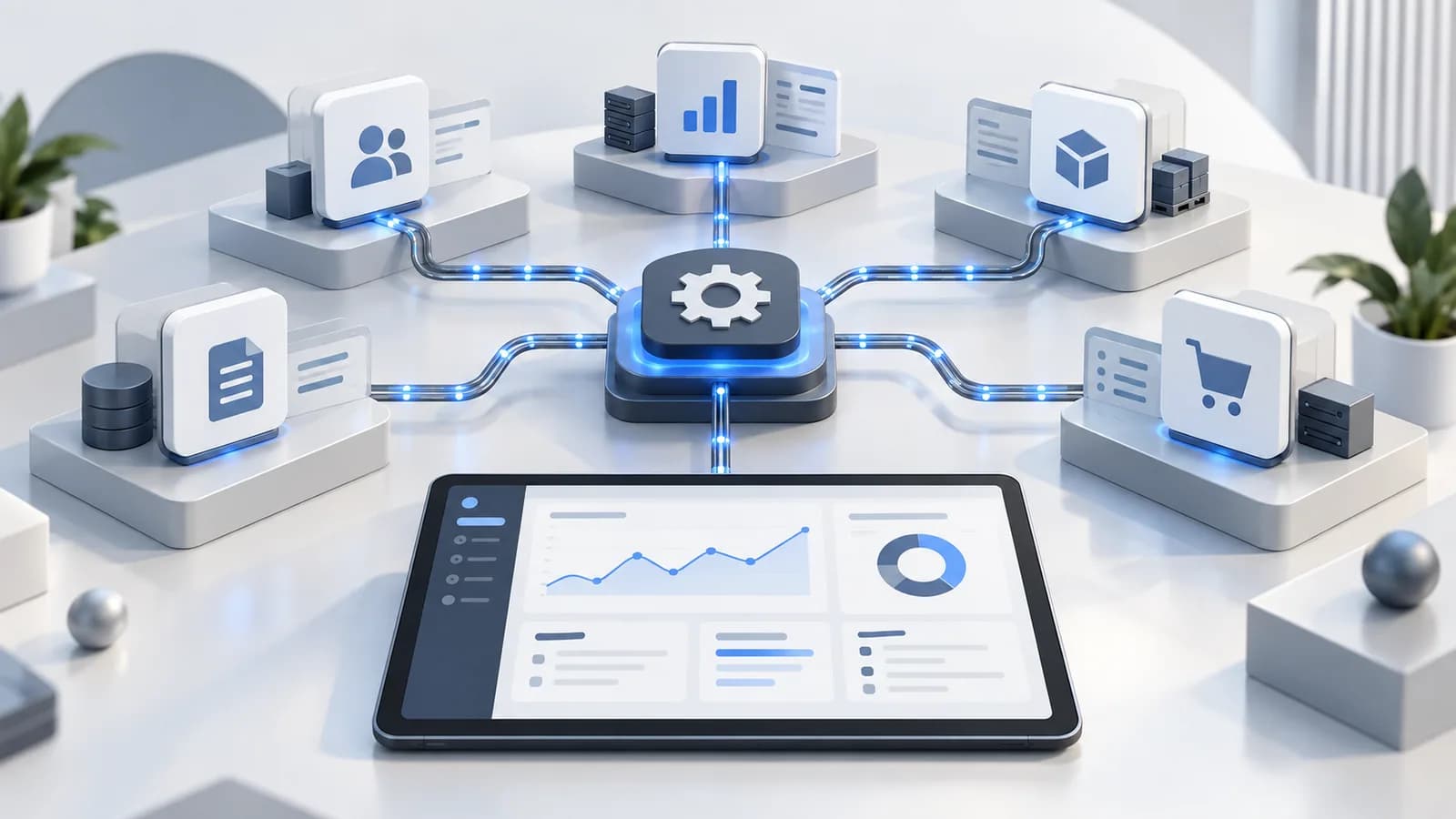
Our CRM data migration services help you move customer data, records, and workflows into a new system while keeping the information your team depends on.
Our Approach
Review customer records, fields, data quality, and the processes your team uses.
Match your existing data to the new CRM and test key workflows before moving.
Validate records and help your team adjust to the new CRM after migration.
Where It Fits
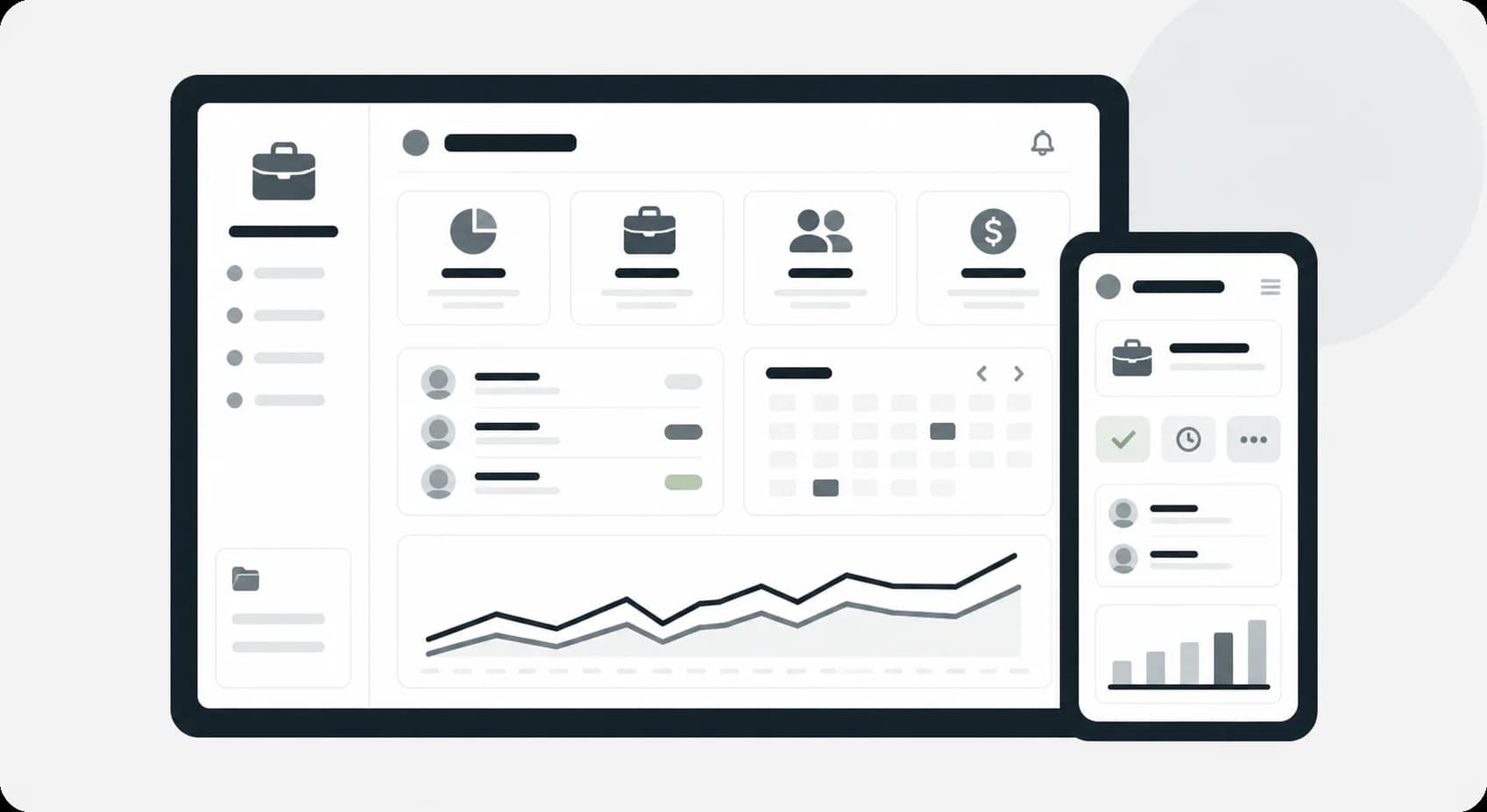
Carry pipelines, customer data, and sales activity into your new CRM.

Preserve client records, workflows, and team processes during migration.

Move member records, communication history, and key information without losing context.
What We Help With
Keep customer, contact, and activity data accurate and easy to access.
Keep key workflows, sales processes, and team tasks working.
Make sure your CRM still works with the tools your team depends on.
Technology

Find duplicate and incomplete records before migration.

Match your existing data with the right CRM fields.

Check records, relationships, and customer data after migration

Plan the final move and reduce disruption for your team.
Explore More
Frequently Asked Questions
Not automatically. Retention needs, data quality, consent, and usefulness should guide what moves and what is archived.
Sometimes. A parallel period needs clear rules about which system is authoritative so new changes do not diverge.
Start a Conversation
Move your customer data with a clear plan for people, processes, and systems.