Mon - Fri: 9:00 AM - 6:00 PM

Mon - Fri: 9:00 AM - 6:00 PM

We build smarter digital solutions that simplify operations, connect systems, improve customer experiences, and help your business grow with confidence.
AI AUTOMATION SOLUTIONS
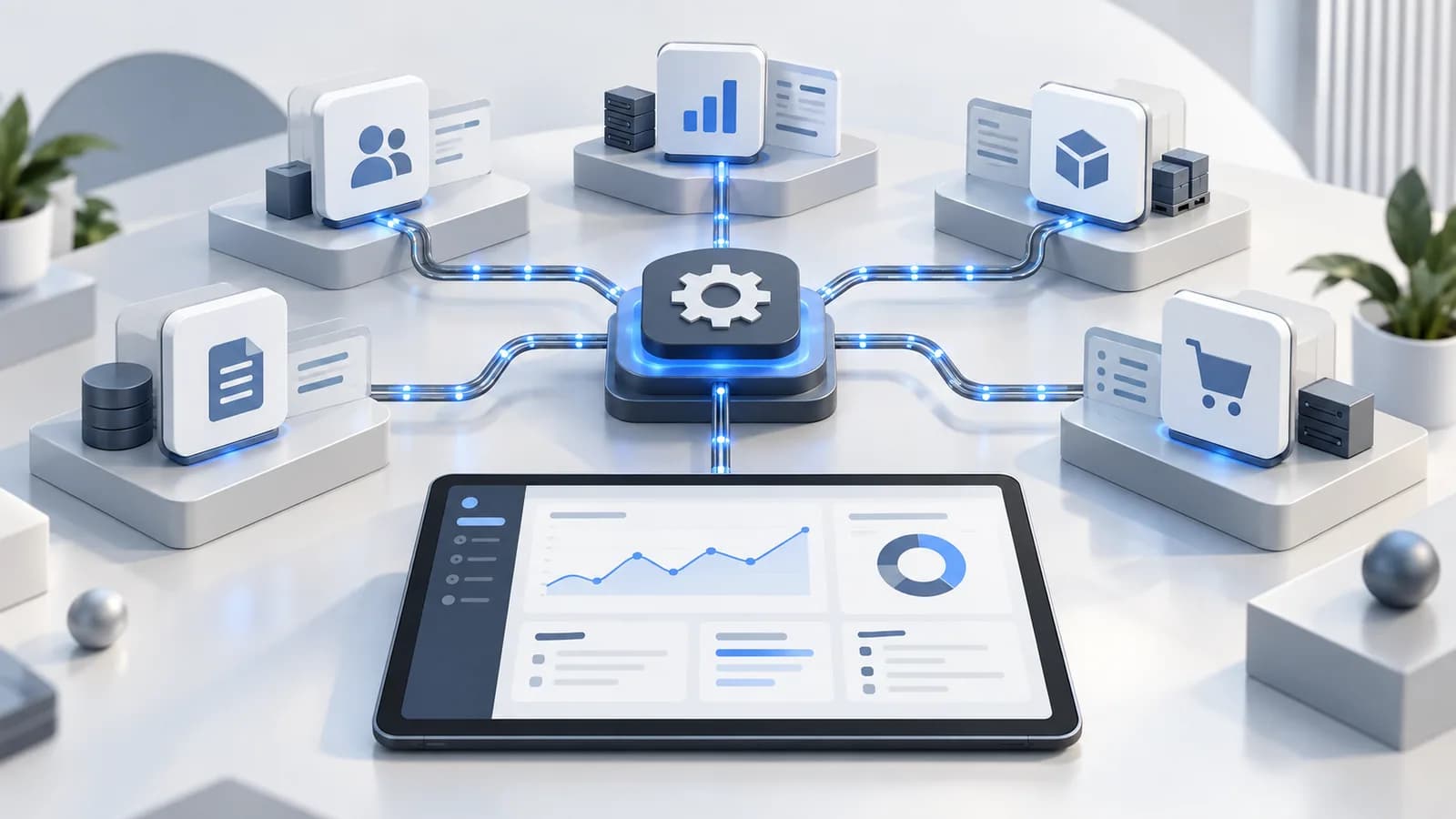
Make your software tools talk to each other. We link your web forms, email, spreadsheets, and accounting apps so routine office tasks can run automatically within agreed rules and supported integrations.
Our Approach
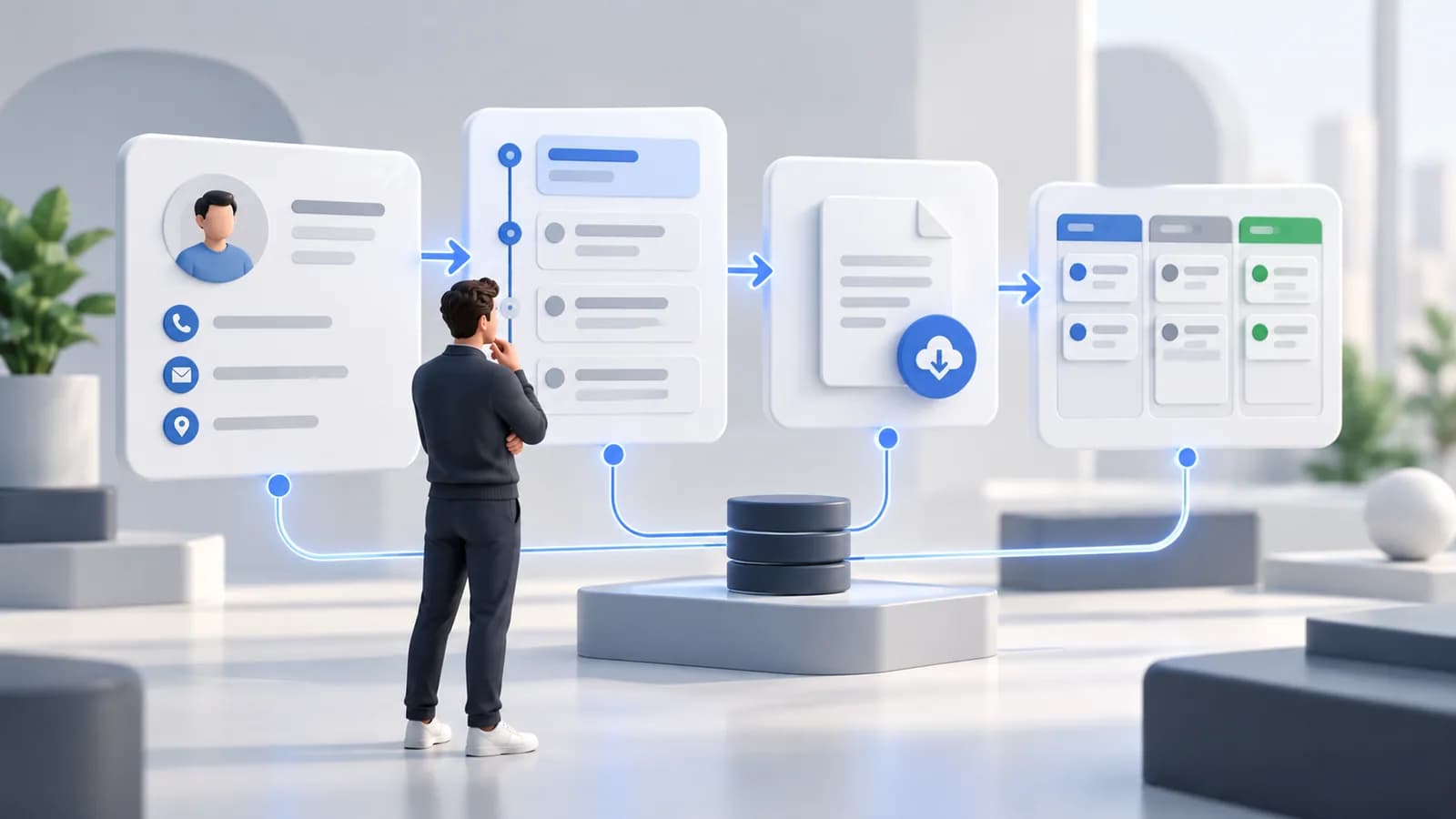
We map your everyday administrative steps to find manual data transfers and repetitive tasks that waste time.
We connect supported applications through integrations such as Zapier, Make, or APIs, with agreed permissions, data mappings, and workflow rules.
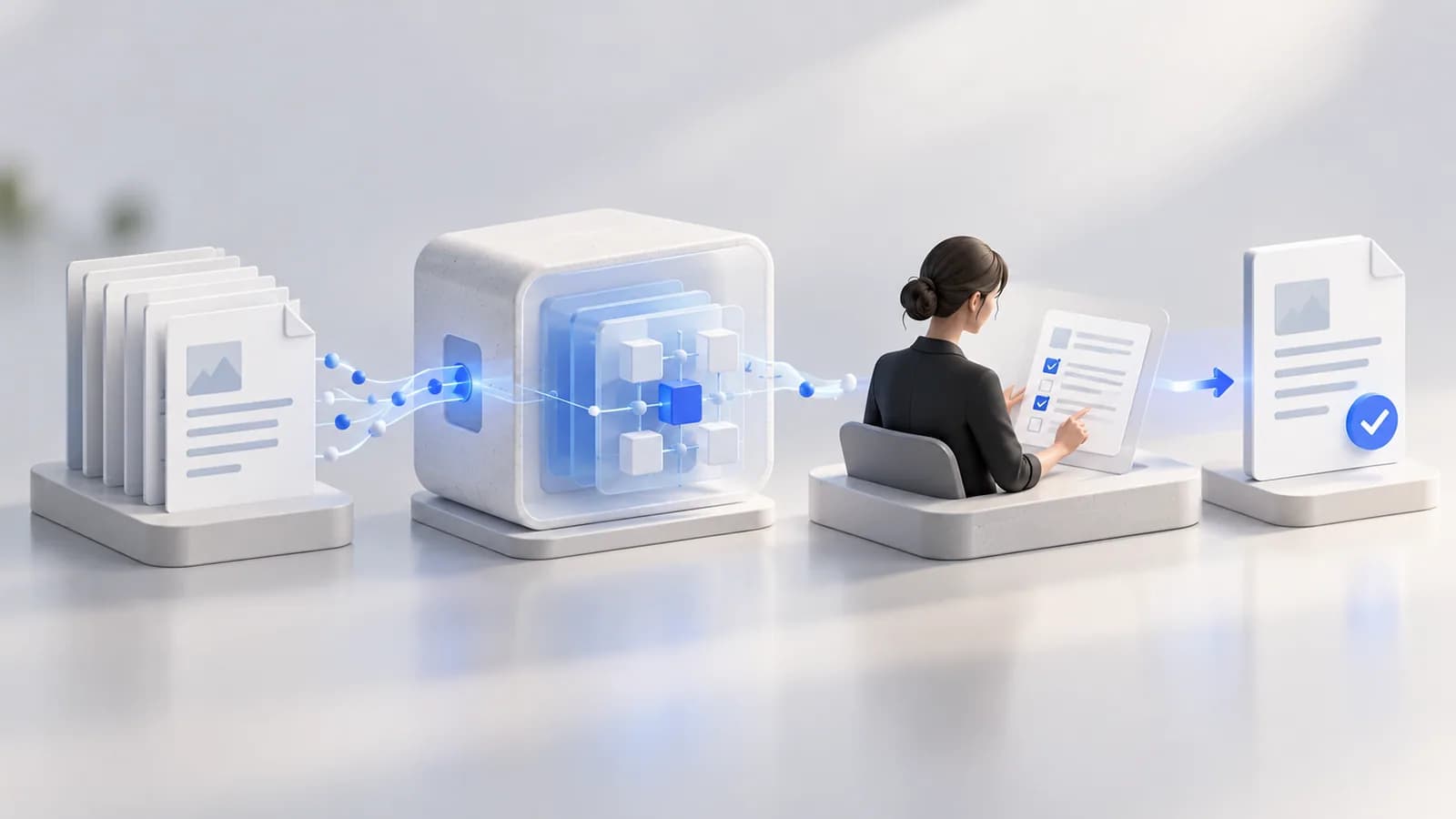
We test representative scenarios, failure cases, and data mappings, then configure monitoring and recovery procedures for the agreed workflow scope.
Where It Fits
Sending approved job-site photos and notes from field applications to customer invoicing tools.
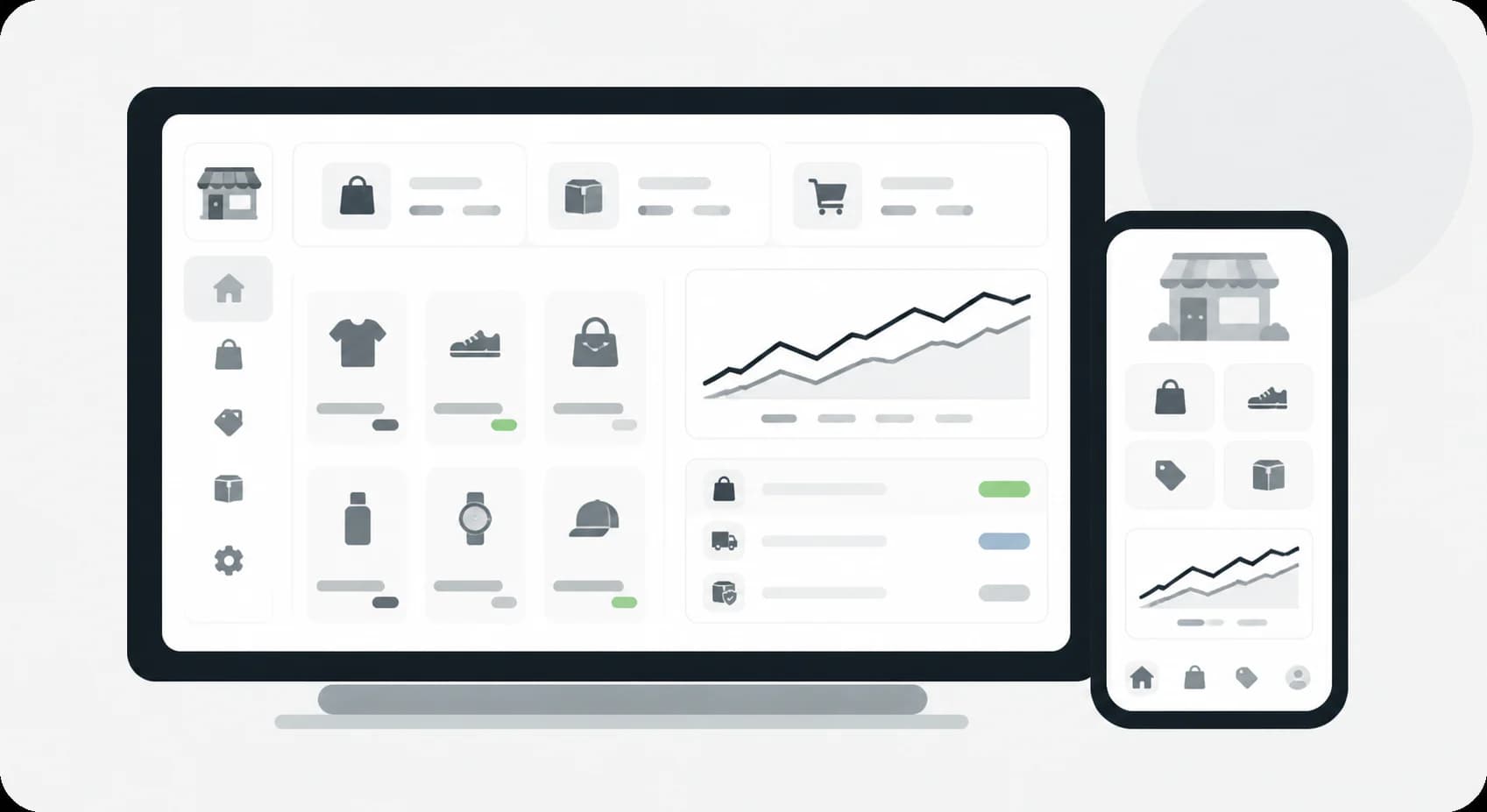
Sending store sales summaries to supported accounting tools and inventory records.

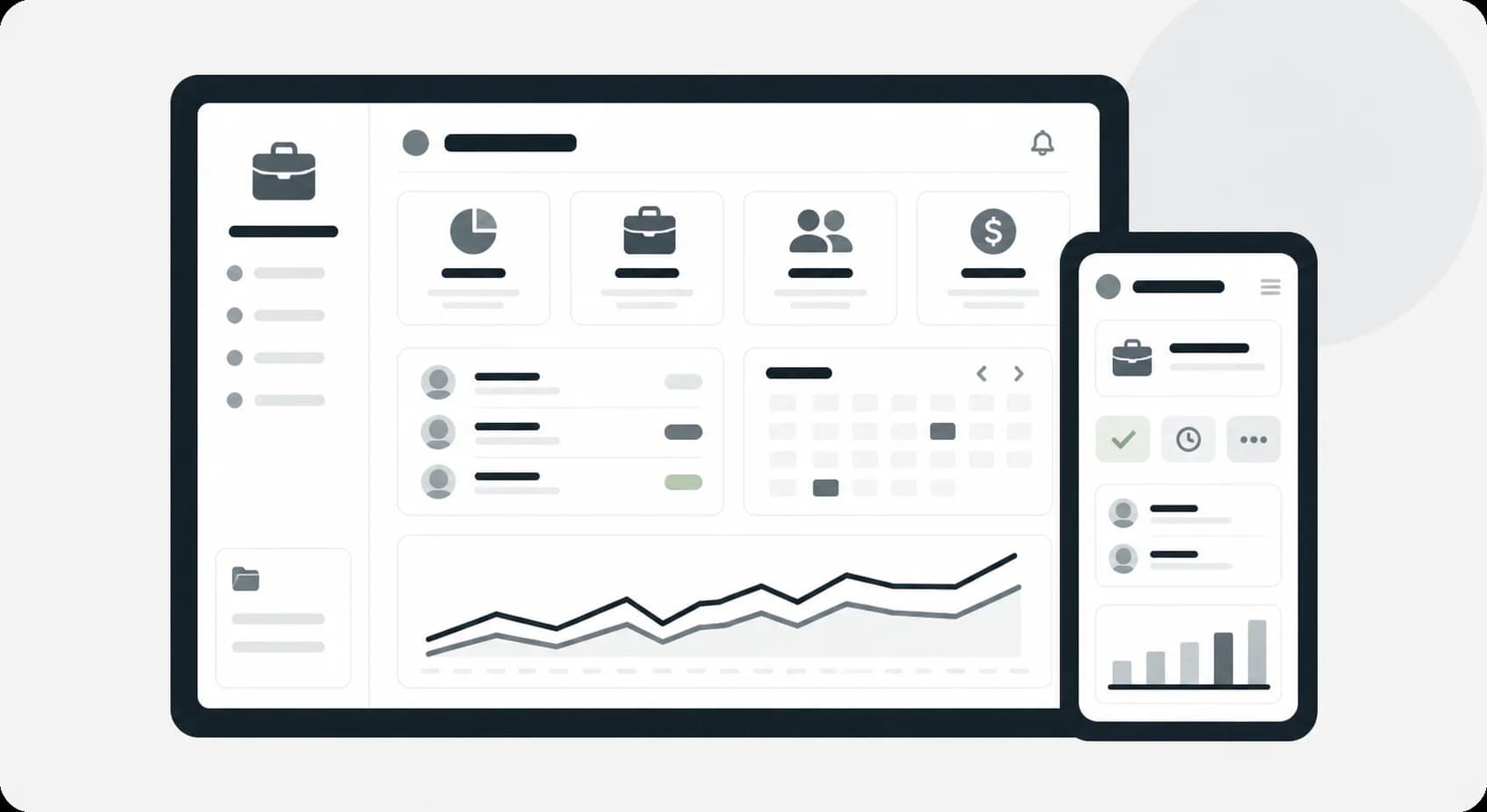
Creating project folders, preparing contracts, and generating invoices when agreed client events occur.
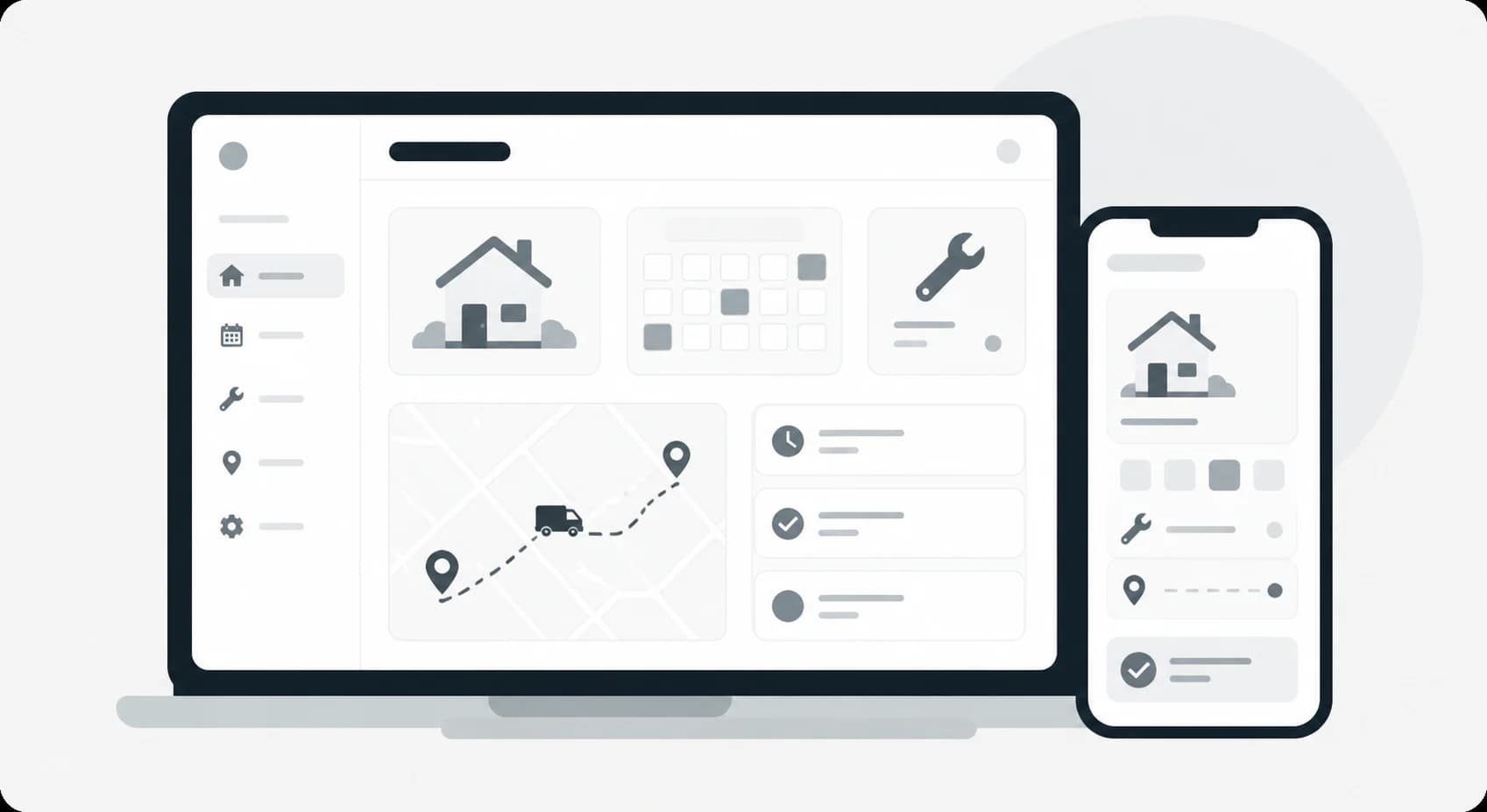
Routing tenant maintenance requests to assigned contractors and recording related costs.

Saving signed client agreements to approved cloud folders with appropriate access and encryption settings.

Scheduling permitted intake-form links before appointments, with agreed messaging permissions and limits on sensitive information.
What We Help With
Linking supported website, email, CRM, accounting, and file storage applications with defined access permissions.
Creating PDF proposals, receipts, and contracts from approved templates and validated customer data.
Sending team alerts through supported Slack or messaging integrations when agreed priority events occur.
Moving mapped customer information between web forms and internal databases, with validation and duplicate-handling rules.
Creating and organizing approved client folders, photos, and files in supported Google Drive or Dropbox setups.
Setting up daily, weekly, or monthly data syncs and summary report emails, with execution checks and failure alerts.
Technology

Passing application events to defined endpoints with validation and failure handling.

Connecting permitted spreadsheet, email, and file operations in supported Workspace setups.

Maintaining structured workflow records and supported field mappings.

Sending approved team notifications and workflow status updates to selected channels.
Explore More
Frequently Asked Questions
Workflow automation connects everyday software apps so they share information and perform agreed steps automatically. For example, a website form submission can create a customer record, prepare a project folder, and notify your team. Timing and available actions depend on the connected applications and workflow setup.
Often, you can keep the tools you already use. We first review available APIs, connectors, subscription plans, and access permissions for applications such as Google Sheets, Gmail, QuickBooks, HubSpot, or Slack. Where a connection is unsupported, we explain the limits and evaluate alternatives before implementation.
We configure error alerts and appropriate logging, retry, or recovery steps for the agreed workflow. Your support agreement defines who investigates alerts and when. A disconnected app may need renewed authorization or integration changes; recovery depends on available records, provider capabilities, and the failure, so uninterrupted processing and zero data loss cannot be guaranteed.
Start a Conversation